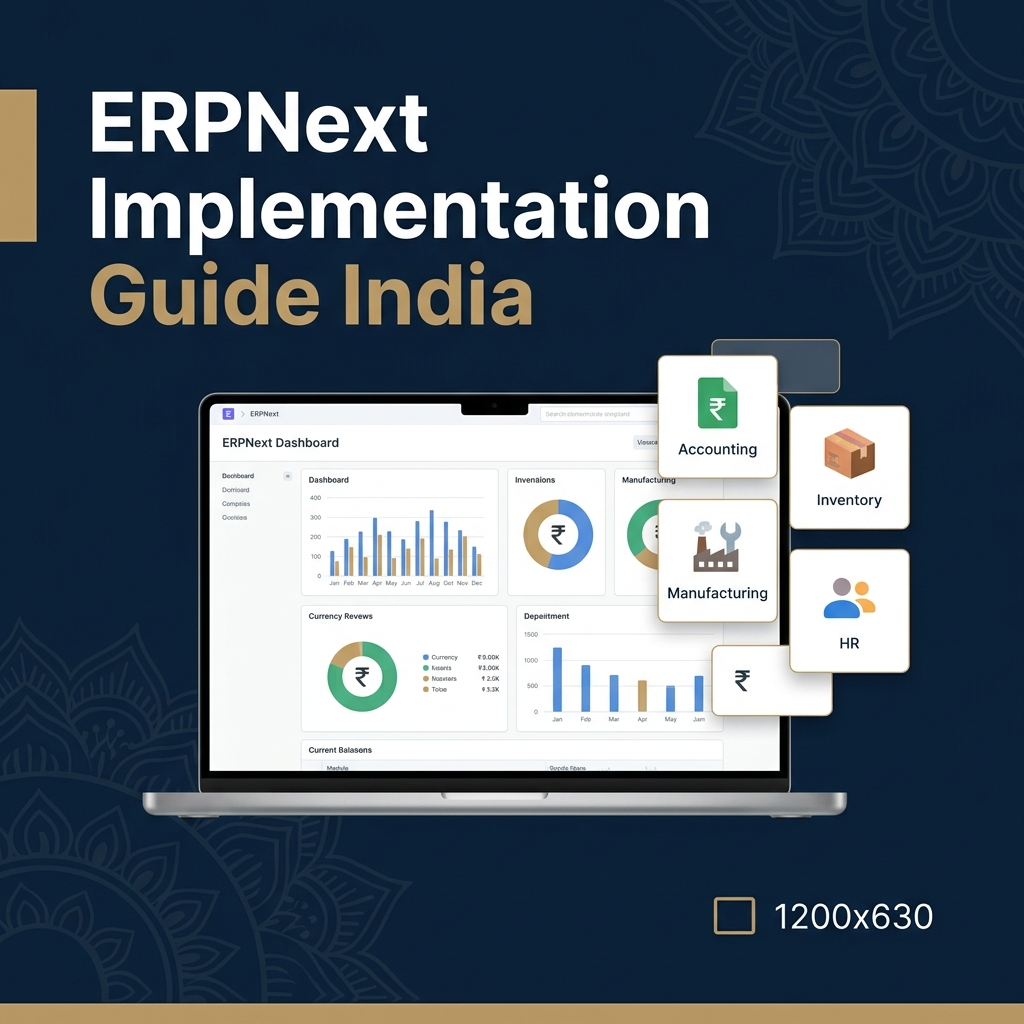

When businesses first look at ERPNext and Frappe, they often see it as a "cheaper SAP". That framing undersells it. The Frappe framework is a full-stack web application framework — ERPNext is one application built on it, but you can build virtually anything on Frappe. For Indian businesses, this means you can extend ERPNext with custom modules that fit your exact processes, without buying expensive add-ons or waiting for a vendor's product roadmap.
Understanding the Frappe Architecture
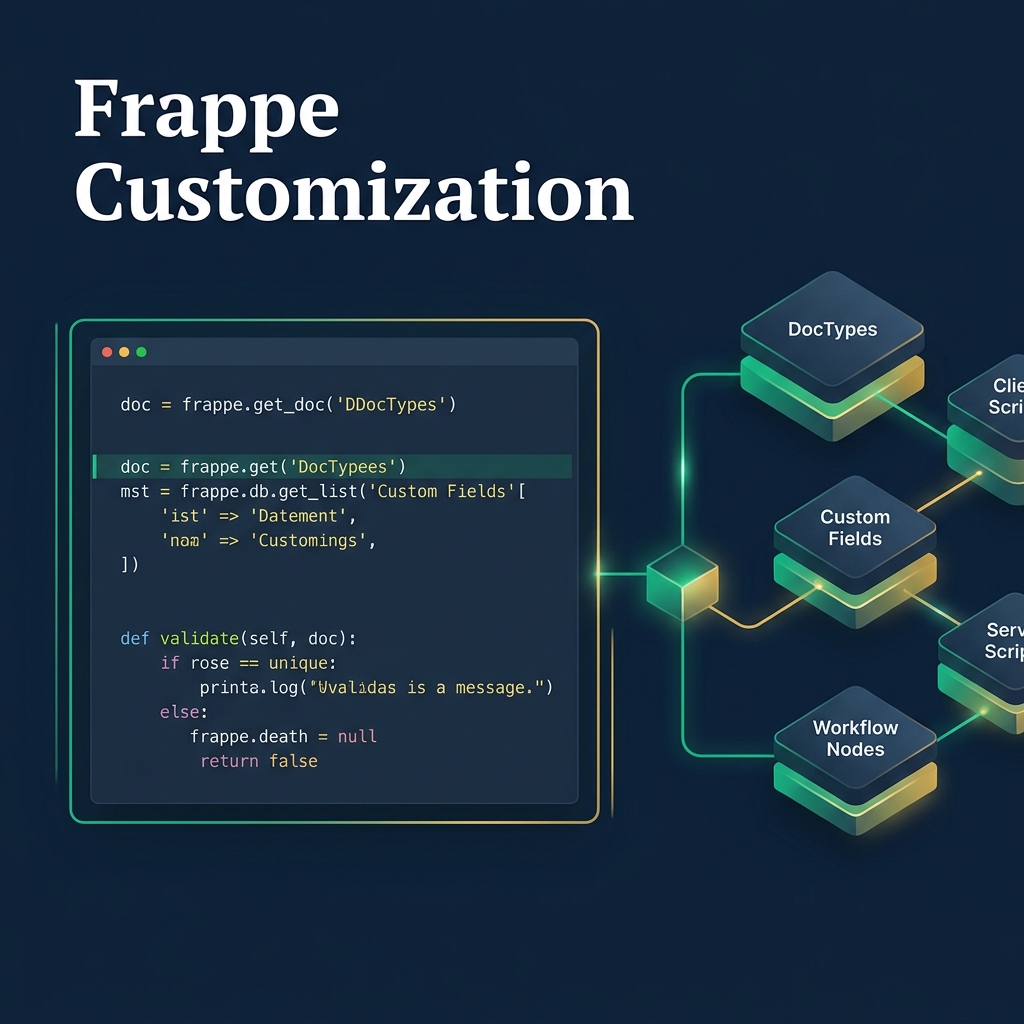
Frappe separates concerns cleanly: the framework handles database schema, REST API, authentication, and UI scaffolding. ERPNext is a Frappe app with pre-built accounting, inventory, HR, and manufacturing modules. Custom apps sit alongside ERPNext — they can extend ERPNext's DocTypes, add new ones, and integrate with external systems.
This architecture means customizations in Frappe are structured and maintainable, unlike the brittle Excel-macro approaches many Indian SMEs rely on, or the complex ABAP customizations that make SAP projects expensive and upgrade-resistant.
Four Levels of ERPNext Customization
Level 1: Custom Fields and Forms
The simplest customization — adding fields to existing DocTypes without touching code. If your sales order needs a "Customer PO Date" or "Internal Project Code" field, you add a Custom Field through the UI. These survive ERPNext version upgrades automatically. This is the right solution for 60–70% of customization requirements and should always be attempted before writing code.
Level 2: Client Scripts and Server Scripts
Client Scripts run in the browser — they can auto-populate fields, validate input, show/hide fields based on conditions, and trigger actions on form events. Server Scripts run on the backend — they execute on document submission, cancellation, or custom triggers. Both are managed through Frappe's Script Editor, version-controlled, and do not require a development environment.
A real example: an Indian trading company needed their purchase orders to automatically fetch the current GST rate for each item category and calculate landed cost including customs duty. This was implemented as a Server Script with no code deployment required — it runs on the Frappe server and can be modified by a trained user without a developer.
Level 3: Custom DocTypes
When you need an entirely new business object that ERPNext does not have — a custom module for dealer management, a quality inspection workflow specific to your manufacturing process, or a service contract management system — you create a Custom DocType. Frappe automatically generates the database table, the REST API, the list view, and the form view. You define the fields, validations, and workflow. This is the Frappe equivalent of building a new SAP transaction — but it takes hours, not weeks, and costs a fraction of SAP ABAP development.
Level 4: Custom Frappe Apps
For large, complex extensions — a dealer portal, a customer self-service system, a manufacturing execution system integrated with IoT sensors — you build a custom Frappe app. This is a separate Python package that installs alongside ERPNext and extends it. Custom apps can have their own DocTypes, reports, dashboards, REST APIs, and even their own front-end pages built with Frappe's Vue.js-based UI framework.
At Cypraon, we have built custom Frappe apps for: a garment manufacturer's cut-to-ship production tracking system, a logistics company's freight quotation and booking module, and a trading company's multi-currency LC (Letter of Credit) management system. None of these workflows existed in ERPNext — all were built on Frappe without modifying core ERPNext code.
Workflow Automation in Frappe
Frappe's Workflow module allows you to define multi-step approval processes on any DocType — without code. A purchase order workflow might require line manager approval up to ₹1 lakh, finance manager approval up to ₹10 lakh, and director approval above. You configure this in the Workflow builder, and Frappe handles email notifications, state transitions, and audit trail automatically.
For more complex automation — scheduled jobs, cross-system data sync, API integrations — Frappe's Background Jobs and Scheduled Tasks provide a proper task queue. We have integrated ERPNext with Indian banking APIs for automatic payment reconciliation, with courier APIs for shipment tracking updates, and with government portals for GST return filing status.
Customization vs Configuration: Getting the Balance Right
The biggest mistake in ERPNext customization is over-customizing. Every customization you build is a customization you need to maintain. Before writing any code or creating any Custom DocType, ask: Can this requirement be met by changing our business process to use the standard ERPNext workflow? Often the answer is yes — especially for companies migrating from manual processes — and the standard workflow is better thought-out than the workaround being replaced.
At Cypraon, our customization decision framework: if the requirement involves a data field that does not exist, use Custom Fields. If it involves validation or auto-calculation logic, use Client/Server Scripts. If it involves a new business entity, use Custom DocTypes. If it involves a completely new process area, evaluate a custom Frappe app. And if the requirement is truly unique to your business and mission-critical, custom development is justified — but document it thoroughly and test it before every ERPNext upgrade.
ERPNext Upgrade Management
ERPNext releases major versions approximately once a year with continuous minor updates. Customizations at Level 1 and 2 (Custom Fields, Scripts) upgrade without issues. Custom DocTypes and custom apps require testing after each major version. Core framework modifications — which we strongly advise against — are the most upgrade-resistant.
For businesses running production ERPNext, we recommend a staging environment that mirrors production, a version upgrade test protocol run on the staging environment before any production upgrade, and a change log of all customizations with test cases.